What it does
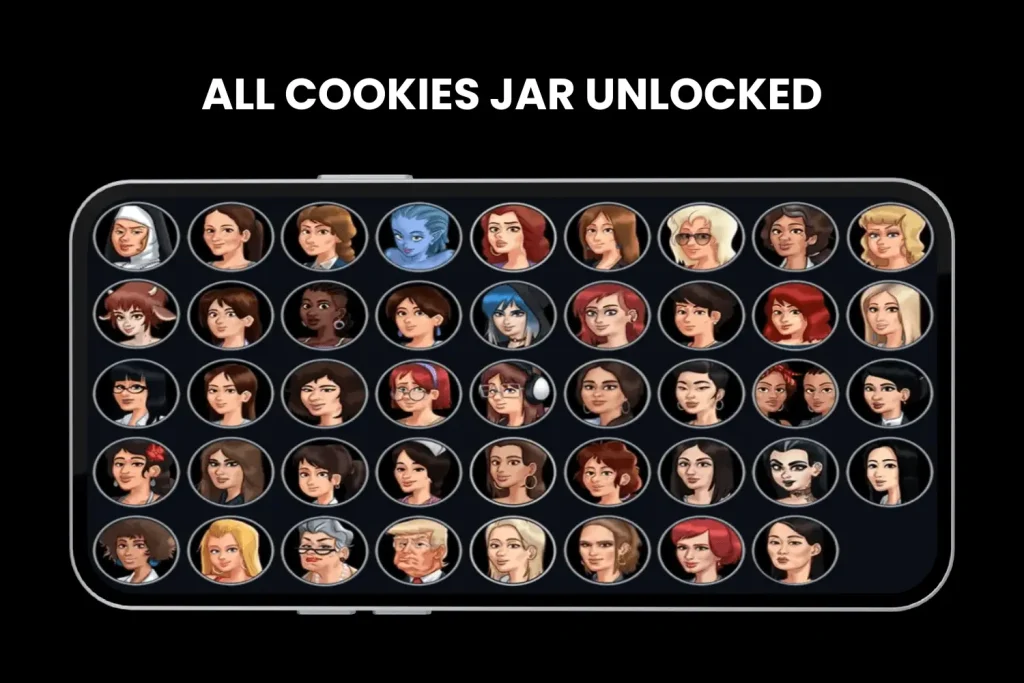
The Cookie Jar provides a way to revisit eligible scenes after they have been unlocked in your own playthrough. Availability depends on the character route and game branch; it is not proof that a third-party “unlock all” package is legitimate.
Why an entry is missing
- The associated route or event has not been completed.
- Your walkthrough shows a different build branch.
- The scene was changed, moved or has not yet been ported into Preview.
- A save or progression issue is preventing the game from recognising completion.
What to check before replay
- Confirm that the event was completed on the save you are loading, not another save slot.
- Check whether the character route exists in your current branch.
- Compare the event name with a walkthrough written for that branch.
- If you switched builds recently, restore a copied save and check the backup guidance.
Avoid misleading unlock claims
A promotional image of a full Cookie Jar cannot establish that an installer is genuine. Different versions can have different entries, and a modified package could interfere with saves or progression. Use your own route history and the in-game interface to determine what is actually unlocked.
A better way to check progress
Use the in-game phone hint and compare your last completed event against a build-matched guide. Back up a save before changing builds. The character hub and version comparison are good starting points.
Browse the guide library or compare the available branches before choosing a download.
Browse guides ↗